

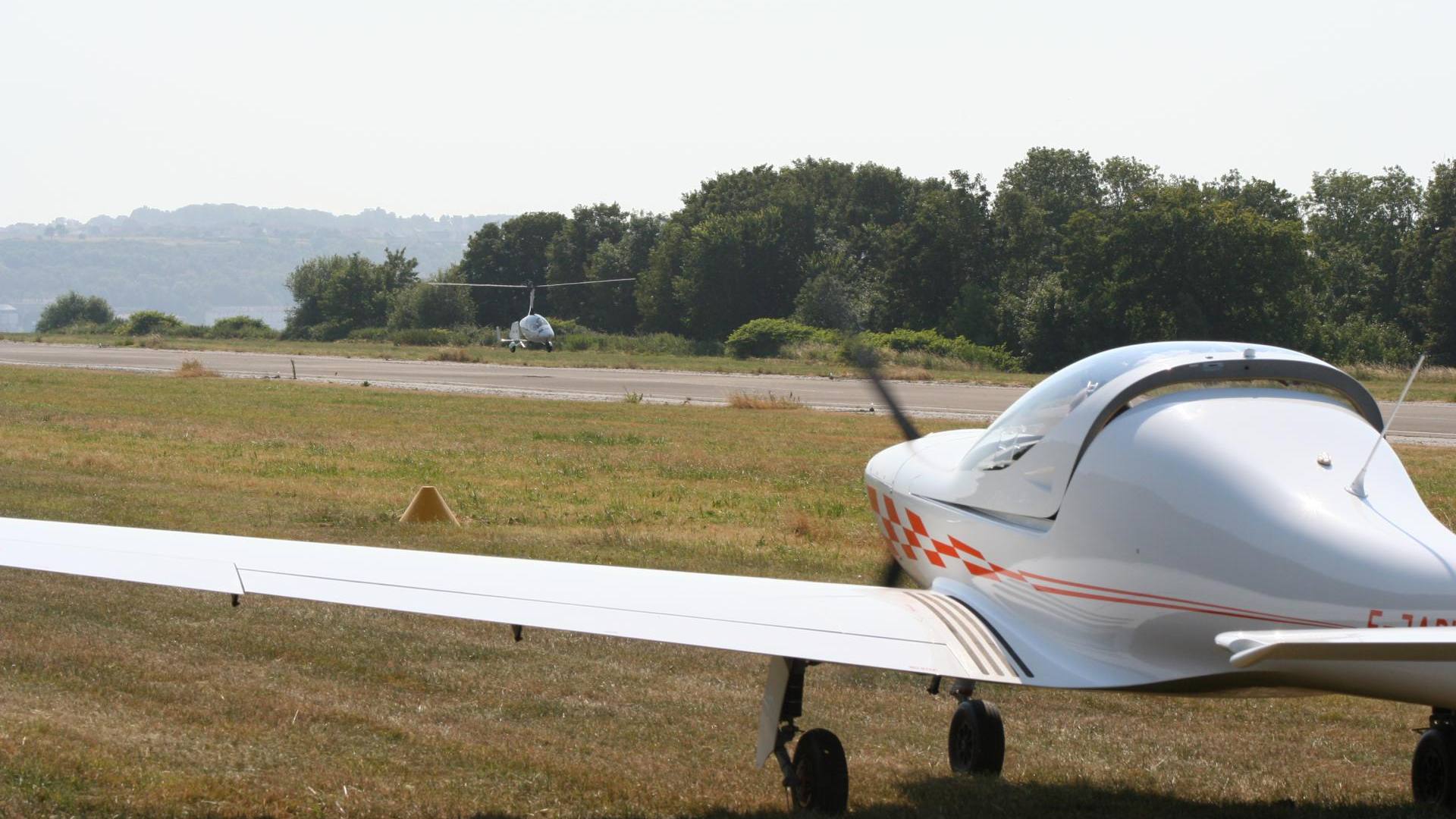
Changing propellers / major modification… our clarifications!
News item of 29 January 2021. It has not been updated since it was published: some information may have changed. Latest news
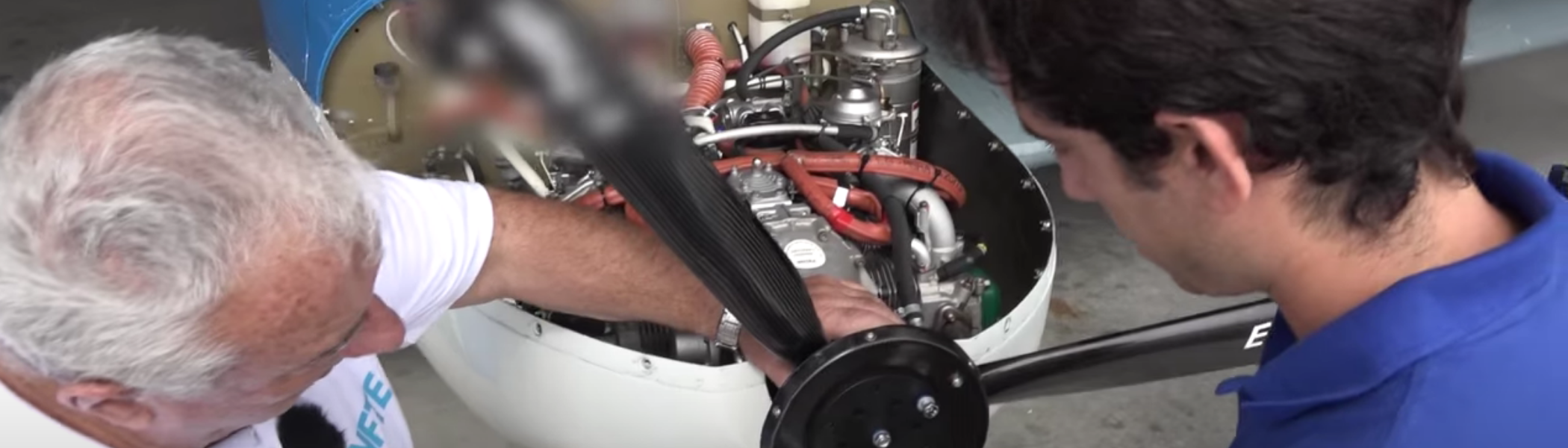
An article recently published by a well-known monthly light aviation magazine caused quite a stir and prompted many questions to the Federation, because it contained a few errors about the administrative procedures involved in changing a microlight's propeller.
A correction was therefore needed quickly, pending a forthcoming issue of the magazine with the necessary corrections.
First, remember that a propeller change on a microlight is a “major modification” under the microlight regulations. This is because a propeller change can affect the characteristics of an aircraft, and for that reason the propeller model is among the items described on the “microlight identification sheet” attached to the “identification card”.
Contrary to what was written in the article, there was no change to the regulations on this subject in 2019; the procedure has therefore remained unchanged for a long time.
The major modification procedure for fitting a new propeller is fairly simple. There are mainly 2 scenarios:
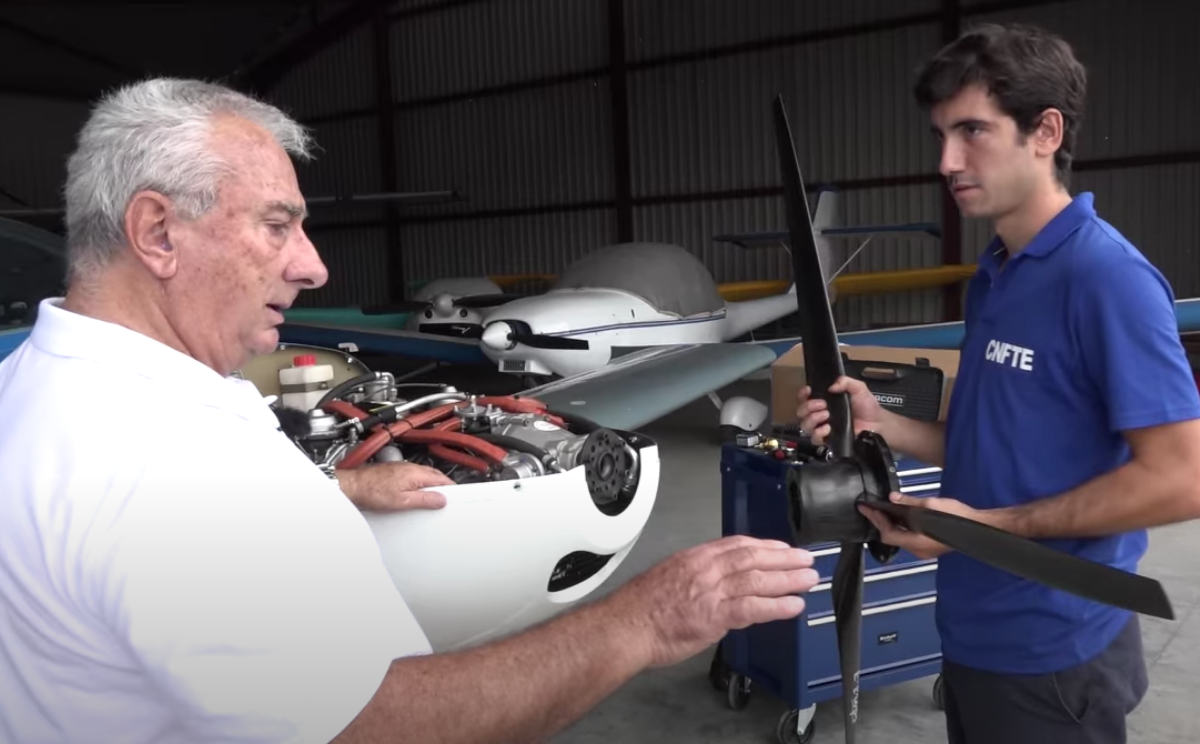
Case 1 - The chosen propeller has already been tested and approved by the manufacturer (series-built microlight)
If the model of your new propeller is already shown on the original identification sheet for your microlight, you have nothing to do.
• Otherwise, contact the manufacturer (or importer) of your microlight to obtain the “identification sheet” showing the chosen propeller model, and ask for the instructions for carrying out this modification, if any.
• Then download and complete the following forms on the DGAC website, under “Major modification”, https://www.ecologie.gouv.fr/ulm-demarches-particuliers:
• The major modification declaration (Part 1) (R8-ULM-F504 or F505)
• The descriptive details of the modified microlight (R8-ULM-F001, F002, F003 or F004 depending on the class)
• A copy of the manufacturer's identification sheet showing the chosen propeller
• The microlight airworthiness declaration (R8-ULM-F501)
• An updated weighing sheet (R8-ULM-F202)
• Send everything to your local DSAC-IR to declare the major modification. It will record the modification directly, and you can then view it on the DGAC “Mon espace ULM” website.
• In principle, the DSAC-IR will not send you any document back, so we advise you to keep a copy of the new series identification sheet for the microlight, which must stay with the identification card in your microlight.
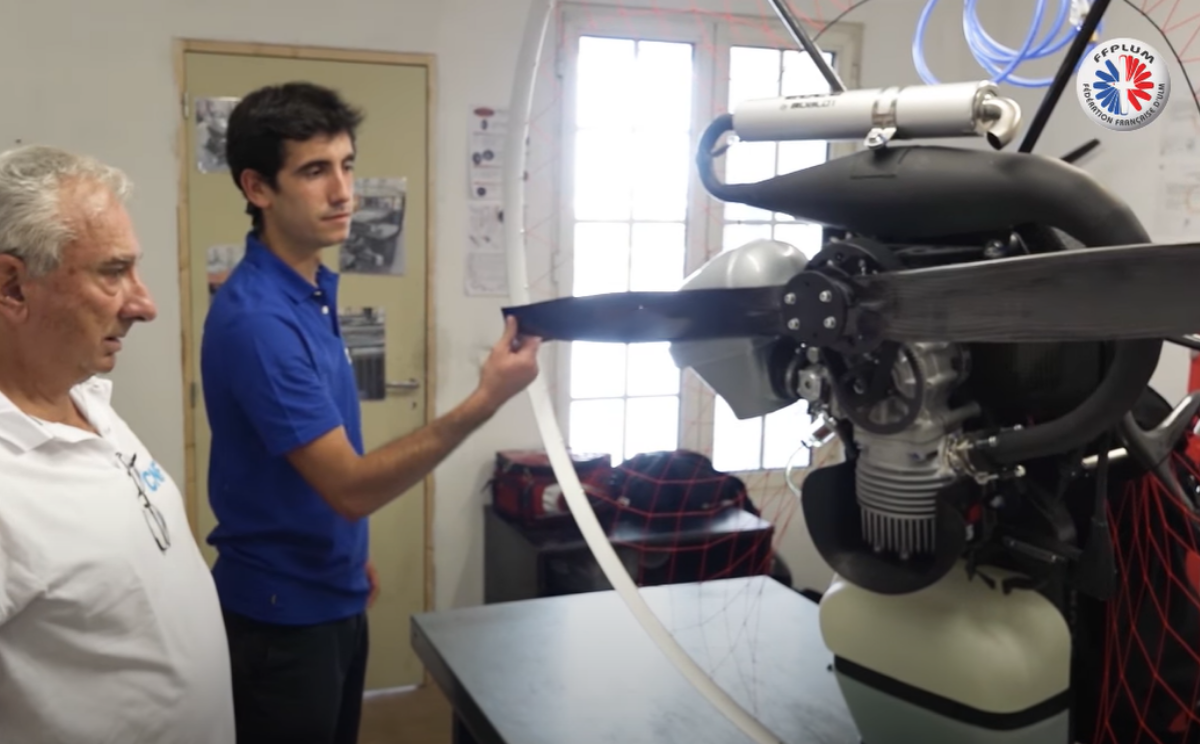
Case 2nd: the new propeller has not yet been tested or approved by the microlight manufacturer
NOTE : In general, if the propeller tests have already been carried out by the propeller manufacturer on your series-built microlight model, ask your propeller supplier for the complete file of test results, because most DSAC-IRs now, as part of simplifying administrative procedures, offer to let you go straight to STEP 3 below
Otherwise the procedure is carried out in three steps:
All the documents mentioned can be downloaded from the DGAC website: https://www.ecologie.gouv.fr/ulm-demarches-particuliers
STEP 1: request for a provisional identification card : Complete the form (R8-ULM-F303), simply stating “propeller change” in the description of the modifications. Send this dated and signed form to your local DSAC-IR. Wait until you have received your provisional identification card before moving on to step 2. A provisional identification card is valid for 1 year, which should give you enough time to complete all your tests if necessary.
STEP 2 - Propeller tests : Fit the new propeller, following the instructions of the propeller manufacturer for your microlight precisely. Check that the propeller installation complies with the characteristics set out in your microlight manufacturer's manual: weight, centre of gravity, engine rpm, etc. Then carry out the tests, starting with a static test on the ground (no vibration, engine rpm, etc.), followed by a more thorough pre-flight check of the propeller. Carry out the flight tests gradually, checking that the microlight's performance is not degraded: take-off distance, speed, rate of climb, etc. If necessary, do not hesitate to ask the propeller manufacturer and/or an instructor to help you with these tests. Important: all test flights must be flown solo, and you must have the provisional identification card on board your aircraft.
STEP 3 - Major modification declaration : Once your tests have been completed satisfactorily, you can make your “major modification request” by completing the following 4 documents:
•The major modification declaration (R8-ULM-F504 or F505) complete part 2.
• The descriptive details of the modified microlight (R8-ULM-F001, F002, F003 or F004 depending on the class), taking the details from your microlight identification sheet and describing the characteristics of your propeller: manufacturer, type, materials, number of blades, maximum rpm, fixed or variable pitch, etc. These are generally provided by the propeller manufacturer.
• The microlight airworthiness declaration (R8-ULM-F501)
• An updated weighing sheet (R8-ULM-F202)
Send everything to your local DSAC-IR to declare the major modification. It will record this modification directly, and you can then view it on the DGAC “Mon espace ULM” website.
In principle, the DSAC-IR will not send you any document back, so we advise you to keep a copy in your microlight of these major modification documents sent to the DSAC-IR.
There you have it: as you can see, it is fairly simple. Happy flying with your new propeller!
How to replace a propeller?
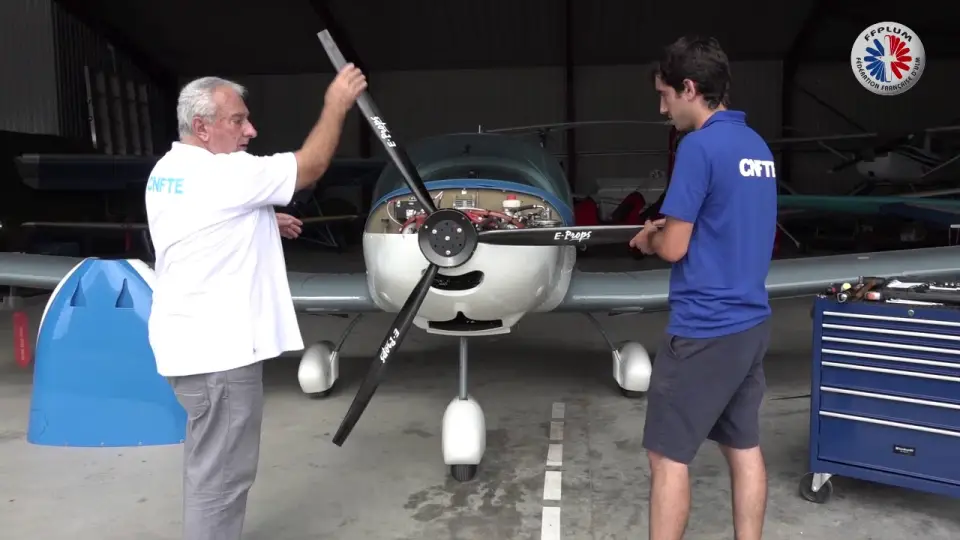
YouTube video: playing it loads it from YouTube (Google), which receives your IP address and sets its trackers. Your consent will apply to YouTube videos on this site for six months. Manage my cookies
Louis COLLARDEAU
1st Vice-President of the FFPLUM
Regulations and International Affairs
Photos © FFPLUM